
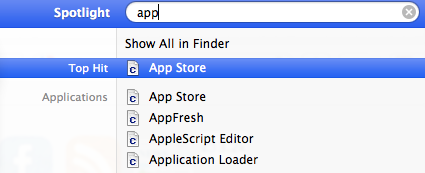
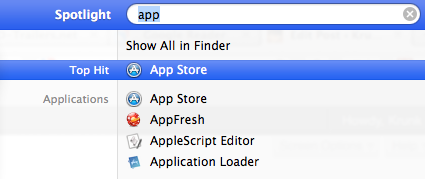
Several of my colleagues and I noticed that after installing OSX 10.8 Mountain Lion and updating Xcode to 4.4, all of our application icons in Spotlight are showing up as Xcode C files.
Anyone have any idea what’s going on or how to fix it?
Update: Issue Resolved
I just installed the MacBook Pro Retina SMC Update 1.0 and it looks like it has fixed my icons issue.
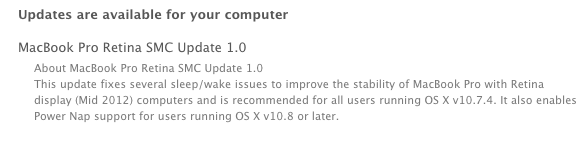
You should be able to see the update when you run Software Updates.
I’m having the same issue – however in my case the icon displayed looks like the one from a Windows .exe. Also the wrong icon is only displayed for Apple apps as far as I can tell – other 3rd party apps show correctly.
I have the same issue, but on an iMac (2007)—hoping for an update to fix it.